AI for business · Nov 6, 2026 · 3 min read
App, web app or AI agent? How to choose the right build

When business owners come to me wanting to "build something with AI," the first question is usually what kind of something. App, web app, agent, automation. The words get used interchangeably, but they're different tools for different jobs, and picking the wrong one is the fastest way to spend money on something nobody uses.
Here's how I explain the difference, using things I've actually built.
A web app: something people open with a link
A web app runs in the browser. You send someone a link, they tap it, and it works on their phone or laptop. No app store, no download.
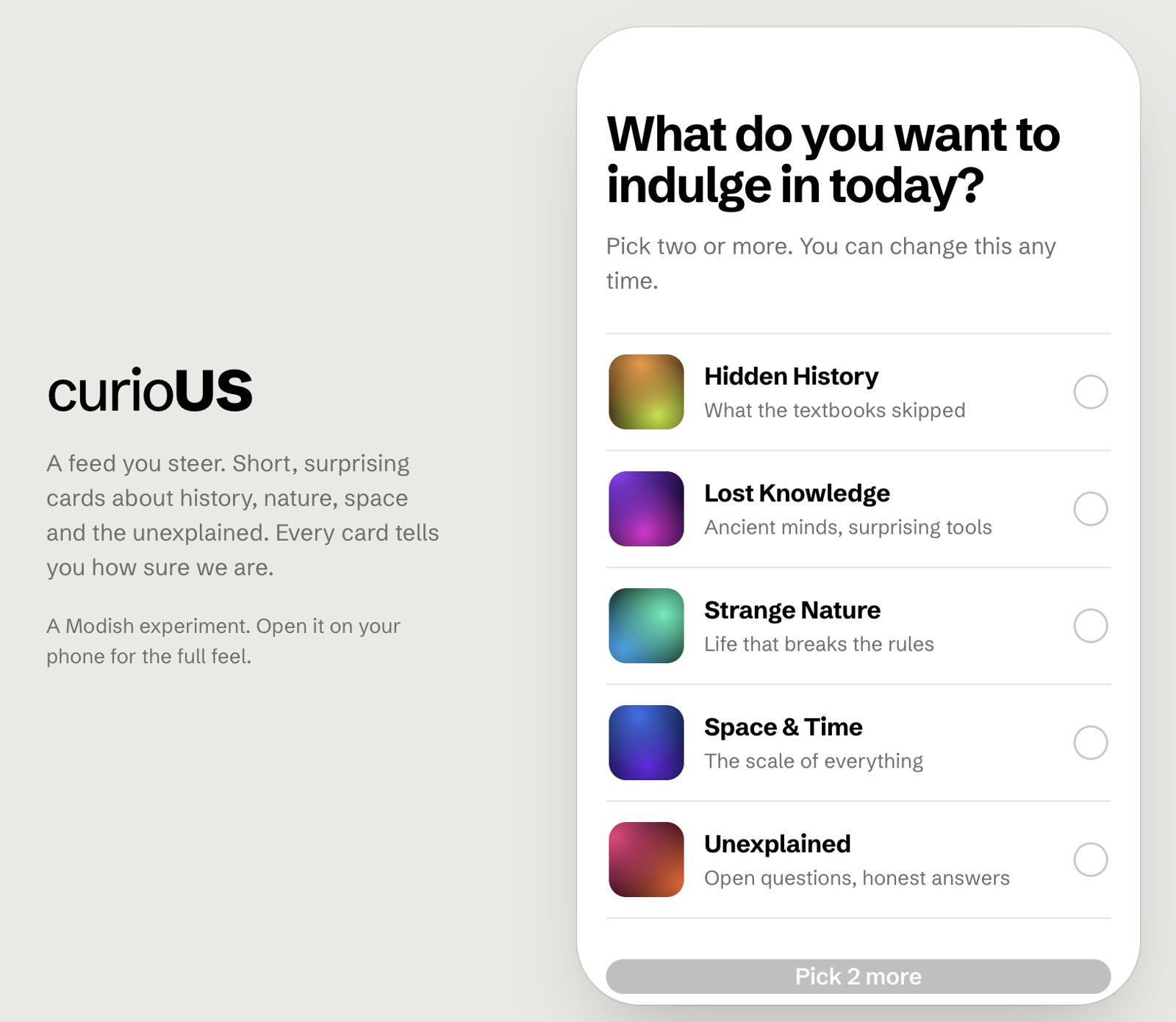
Most of what I build for clients is a web app, because it's quick to share and easy to update. Sign-Off, our social media approval tool, is a web app: each client gets a personal link and approves posts from their phone. CurioUS, a learning app I built to replace my own scrolling habit, is a web app too. So is Read Aloud, a reader that turns any PDF into an audiobook.
Choose a web app when your clients, community or team need a screen to look at, tap and use, and you want them using it today, not after an app store review.
A native app: something people download
A native app lives in the App Store or Google Play. It can work offline, send push notifications and use more of the phone's features.
The trade-off is time and upkeep. You're building for two platforms, going through store reviews, and asking people to download something. For most small businesses, a web app does the job first. If people use it daily and ask for an app, that's the time to consider one.
Choose a native app when people will use it every day, need it offline, or rely on notifications, and you've already proven they want it.
An AI agent: something that works in the background
An agent doesn't need its own screen. You talk to it in plain language, and it takes action across the tools you already use.
I run several. One takes what I tell it at the end of the day and logs it into my Notion tracker. One creates bookings directly on my Wix site. Others draft social content or write captions shaped for search. My coaching clients have one that turns their to-do list into a daily plan with focus blocks and rest blocks.
Choose an agent when the job is a task you do repeatedly, it needs a bit of judgement, and the result lands in a tool you already use, like your calendar, inbox, Notion or website.
An automation: no AI needed
Sometimes the honest answer is that you don't need AI at all. If the job is "when X happens, do Y," such as sending a welcome email when someone joins your list, a simple automation does it reliably and cheaply.
I'll always tell you if that's the case. Using AI where a simple rule would do just adds cost and things that can go wrong.
A quick way to decide
Do clients or your community need to look at it and tap things? Web app
Will people use it daily, offline, or need notifications? Native app, later
Is it a repeated task for you or your team that needs some judgement? AI agent
Is it a simple "when this happens, do that" rule? Automation
Many good builds combine them. Sign-Off is a web app for clients, with automatic reminder emails behind it. The Akashic Series I built for Adelinaverse is a set of web pages, a quiz and automated emails working together.
Start with one job
Whatever you build, start with one clear job and one group of people. A tool that does one thing well gets used. A tool that tries to do everything usually doesn't.
If you're not sure which of these fits your idea, book a free discovery call and we'll work it out together. You might also like what conscious AI actually means for a small business.